
BORROWING
BORROWING
LEARN ABOUT BORROWING
We're here to help! Contact us with any questions you may have.
Returns
- Items may be returned to any Arapahoe Library and book drops are available 24/7.
- Larger-sized materials that do not fit into book drops, such as book club kits, may be returned inside a library.
Holds
- Holds can be picked up inside a library during open hours or from a holds locker. You can also select a home delivery option.
- You will know a hold is ready for pickup when you receive a notification or you can log in to your library account to check the status of your holds.
- Multiple holds cannot be placed on the same item.
- Holds FAQs.
Renewals
- Items checked out to you may only be renewed if no other patrons have placed a hold on them.
- All patrons are automatically signed up for auto-renewals.
Online Account
- You can renew items, place holds and pay fees by accessing My Account. Call 303-542-7279 (303-LIBRARY) for assistance.
Fines/Fees
- Arapahoe Libraries is fine free!
- Learn more about fees.
Blocked Status
Library accounts will no longer be usable if placed into blocked status. Blocked status may be applied to accounts because of unpaid fees, violations of the Patron Code of Conduct, reports of a stolen card, or if the account has become inactive.
DID YOU KNOW?
You can have 100 items checked out and 100 items on hold per library card.
Explore even more library card perks.
FAQs
Overdue, Lost & Damaged Items
Patrons may choose to receive overdue notices by email, phone or text. Overdue notices are issued two, three and four weeks after an item is due. If you choose notification by email or text, you will also receive a courtesy reminder notice two days before an item is due.
Lost or damaged an item? It's okay, accidents happen! Call 303-542-7279 (303-LIBRARY) to ask what to do next. Items overdue by 40 days are considered lost and a replacement cost will be billed. Parents/guardians are responsible for items that may be lost or damaged by a child.
Please note that Arapahoe Libraries does not accept replacement materials for any lost or damaged items.
Payment Options
Need to pay a fee on your account? Cash, check and credit card are accepted at all libraries. To pay fees online with a credit card, log in to your account and under "My Borrowing" click on "Fees."
TRADITIONAL ITEMS CHECKOUT INFORMATION
All hold items must be picked up within seven (7) days.
Books, Movies, Music & More
| Format | Checkout Length | Renewable? | Holdable? |
|---|---|---|---|
| Audiobook CDs, Playaways |
21 days | 3 times | Yes |
| Books | 21 days | 3 times | Yes |
| Xpress Books and Audiobooks* | 21 days | No | No |
| Magazines | 7 days | 3 times | Yes |
| Movies (DVDs, Blu-ray) | 7 days; 21 days for sets of 2–9 discs; 42 days for sets of 10+ discs | 3 times | Yes |
| Music CDs | 7 days | 3 times | Yes |
| Video Games | 21 days | 3 times | Yes |
| Note: Xpress items are first come, first served. | |||
Kits
| Format | Checkout Length | Renewable? | Holdable? |
|---|---|---|---|
| A/V (audio/visual) Kit |
7 days | 1 time | Yes |
| Book Club Kits |
42 days | 1 time | Yes |
| Brain Box Kit |
21 days | 3 times | Yes |
| Caregiver Kit |
42 days | 1 time | Yes |
| Just Right Board Book Kit |
21 days | 3 times | Yes |
| New Americans Resource Kit |
42 days | 1 time | Yes |
| Paired Kit |
21 days | 3 times | Yes |
| Storytime To Go Kit |
21 days | 3 times | Yes |
| STEAM Kit |
21 days | 3 times | Yes |
Digital Checkouts
| Format | # of Checkouts | Checkout Length | Renewable? | Return Early? | # of Holds |
|---|---|---|---|---|---|
| hoopla, opens a new window Streaming (film, music, eBooks, eAudiobooks & comics) |
20/month |
|
No | Yes | N/A |
| Kanopy, opens a new window | 40 tickets/month |
|
No | No | N/A |
| OverDrive/Libby, opens a new window* | 12 | 7, 14, or 21 days | Yes | Yes | 20 |
| ePeriodicals, opens a new window | Unlimited | Unlimited | N/A | N/A | N/A |
| Note: OverDrive/Libby offers a deliver later, opens a new window option for holds. Patrons have 3 days to check out, cancel or choose a later date for their requested item. | |||||
Borrowing From Other Libraries
| Lender | # of Checkouts | Checkout Length | Renewable? | # of Holds |
|---|---|---|---|---|
| Prospector, opens a new window | 100 | Books: 21 days DVDs: 7 days |
Books: 1 time DVDs: No |
100 |
| Interlibrary Loan , opens a new window |
100 | Varies | No | 5/week |
NON-TRADITIONAL ITEMS CHECKOUT INFORMATION
In addition to items you can check out and take home, Arapahoe Libraries offers many other non-traditional items that can be used inside of a library or learned about through an Ask a Librarian appointment. Check back for new items that will surprise and delight you!
Accessibility
| Picture | Name | Holdable | In-library use only at | Additional info |
|---|---|---|---|---|
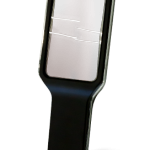 |
5" LED Lighted Magnifier | Yes | N/A |
|
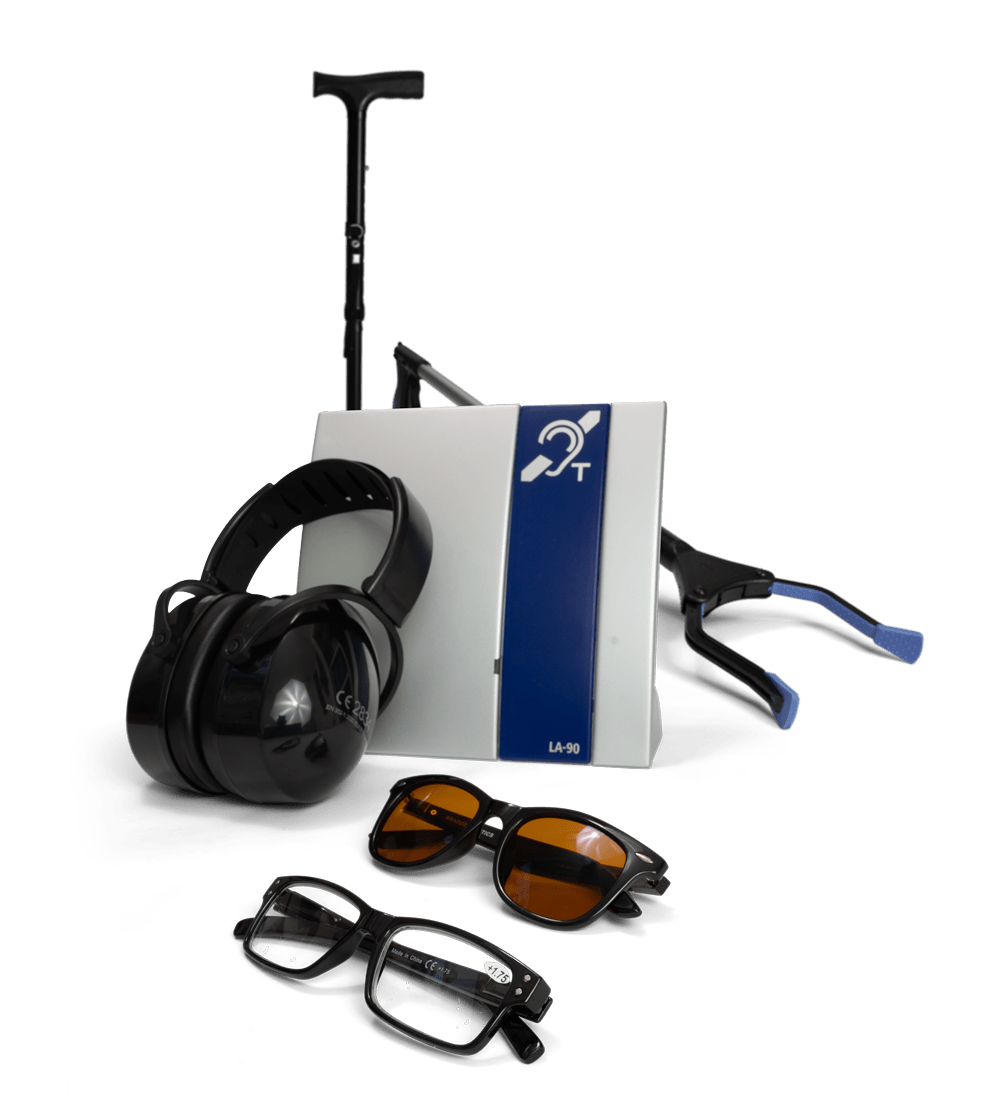 |
Assistive Devices at All Library Locations | No | All Library Locations |
|
 |
Book Stand | Yes | N/A |
|
 |
Electronic Video Magnifier (handheld) | Yes | N/A |
|
 |
Grabber/Grip & Grab | No | Davies Kelver Smoky Hill |
|
 |
In-Library Use Boxes for Adult Day Program Groups | No | Eloise May Koelbel Southglenn Smoky Hill |
|
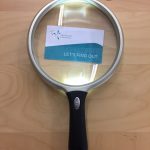 |
Large Lighted Magnifier (handheld) | No | Koelbel Smoky Hill |
|
 |
Large Print Keyboard with Rollerball | No | Castlewood Davies Eloise May Kelver Koelbel Southglenn Sheridan Smoky Hill |
|
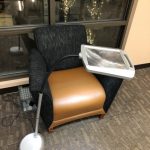 |
Lighted magnifier on a stand | No | Kelver Koelbel |
|
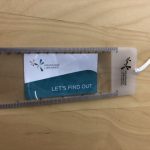 |
Magnifiers | No | Castlewood Davies Eloise May |
|
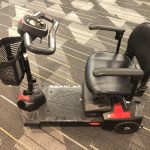 |
Mobility Scooter | No | Koelbel Smoky Hill |
|
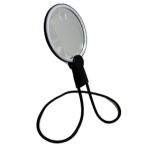 |
Hands-free Magnifier With LED Light and Adjustable Stand | Yes | N/A |
|
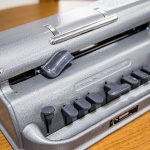 |
Perkins Brailler | No | Koelbel |
|
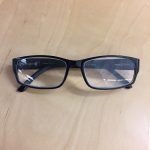 |
Reading Glasses | No | Castlewood Davies Eloise May Kelver Koelbel Southglenn Sheridan Smoky Hill |
|
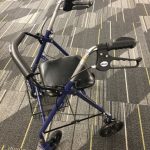 |
Walker with seat | No | Castlewood Davies Eloise May Kelver Koelbel Southglenn Smoky Hill |
|
Computer-Related Accessibility & More
| Picture | Name | Holdable | In-library use only | Additional info |
|---|---|---|---|---|
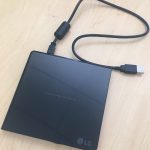 |
External DVD Drive | No | Eloise May Koelbel Sheridan Smoky Hill Southglenn |
|
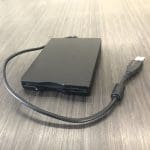 |
Floppy Disk USB Drive | No | Castlewood Davies Eloise May Kelver Koelbel Smoky Hill Southglenn |
|
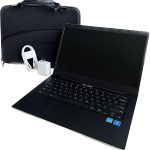 |
Laptop Computer / Chromebook | Yes |
|
|
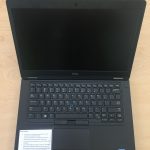 |
Laptops for In-Library Use | No | Castlewood Koelbel Eloise May Sheridan Smoky Hill Southglenn |
|
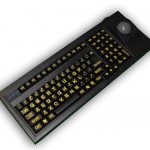 |
Large Print Keyboard with Rollerball | No | Castlewood Davies Eloise May Kelver Koelbel Southglenn Sheridan Smoky Hill |
|
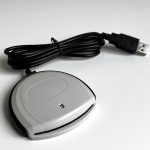 |
Smart Card Reader | No | Castlewood Eloise May Koelbel Sheridan Southglenn Smoky Hill |
|
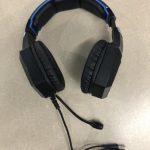 |
Noise-Cancelling and Gaming Headphones | No | Castlewood Davies Eloise May Kelver Koelbel Sheridan Southglenn Smoky Hill |
|
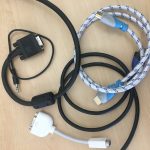 |
Various Computer Cables | No | Castlewood Davies Eloise May Kelver Koelbel Sheridan Southglenn Smoky Hill |
|
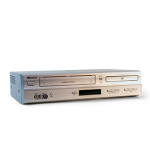
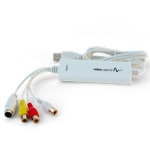
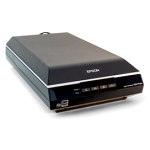
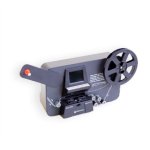
Digital Media Equipment
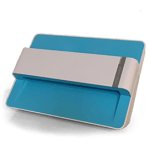
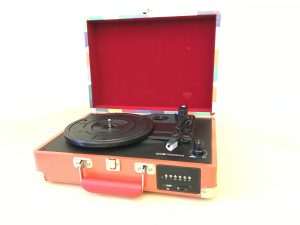
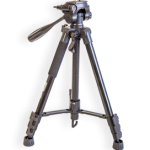
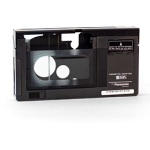
Learn how to use this equipment and more at the Digital Media Stations.
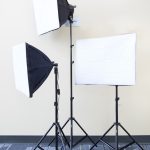
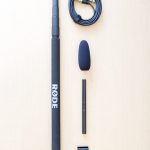

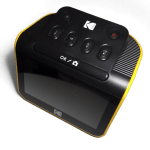
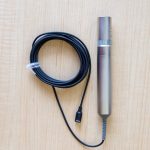
Robotics & Coding
| Picture | Name | Holdable | In-library use only | Additional info |
|---|---|---|---|---|
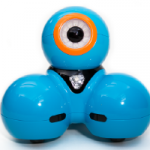 |
Dash Robot | Yes |
|
|
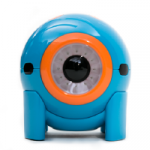 |
Dot Robot | Yes |
|
|
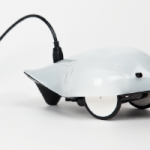 |
Finch Robot | Yes |
|
|
 |
Sphero Bolt | Yes |
|
Smart Devices & AI
| Picture | Name | Holdable | In-library use only | Additional info |
|---|---|---|---|---|
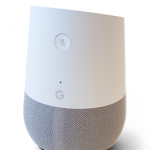 |
Google Home | Yes |
|
Miscellaneous
| Picture | Name | Holdable | In-library use only | Additional info |
|---|---|---|---|---|
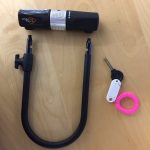 |
Bike Locks | No | Eloise May Koelbel Sheridan Smoky Hill Southglenn |
|
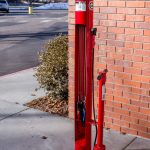 |
Bike Repair Station | No | Castlewood Kelver |
|
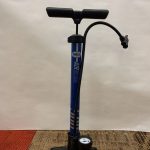 |
Bike Tire Air Pump (handheld) | No | Sheridan |
|
| Image coming soon | Cassette Adaptor | No | Davies |
|
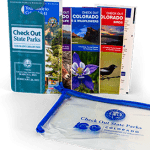 |
Colorado State Parks Pass | Yes |
|
|
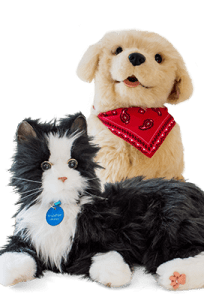 |
Companion Pet | Yes |
|
|
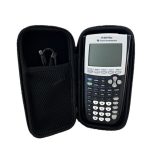 |
Graphing Calculator for Checkout | Yes |
|
|
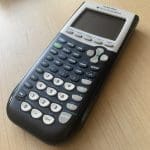 |
Graphing Calculator for In-Library Use | No | Castlewood Davies Eloise May Kelver Koelbel Sheridan Smoky Hill Southglenn |
|
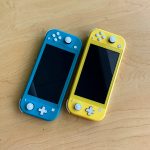 |
Nintendo Switch | No | Davies |
|
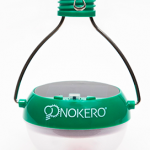 |
Nokero Solar Light Bulb N200 | Yes |
|
|
 |
Playaway Launchpad | Yes |
|
|
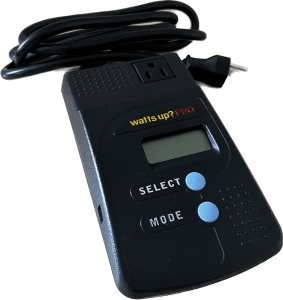 |
Power Check Meter | Yes |
|
|
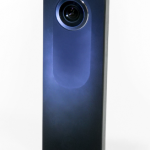 |
RICOH THETA S 360 Camera | Yes |
|
|
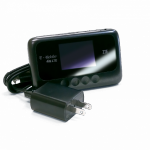 |
T-Mobile or Verizon 4G LTE Hotspot | Yes |
|